How QR Video Menu works
From a phone photo of your dish to a menu guests watch and order from. Most restaurants go live in an afternoon.
Set up your menu
Sign in with your email, name your restaurant and add your categories and dishes: name, description, price and tags like vegetarian or spicy. Paste in your existing menu and edit as you go.
Upload a photo of each dish
A clear phone photo of the real plate is enough. We fix the light and the background, not the food.
We make the video
First we re-photograph your dish as a studio-quality food photo. A check compares it with your photo to make sure it's the same dish. Then we film a five-second vertical video in the look you picked. It takes a few minutes per dish.
You approve it
Watch each video and tap "Use this video", or re-make it. Every dish gets one free re-make.
Print your table codes
Each table gets its own QR code with its number built in. Print the sheet, cut the cards, and put one on every table.
Guests scan, watch and order
Guests swipe through your dishes like short videos, tap "Add to order", and send it. Your order screen chimes with the table number. Guests pay your staff as usual.
We animate your real dish. We never add food that isn't on the plate. You approve every video.
From the photo you took to the video your guests watch
These started as ordinary phone photos on the kitchen pass. Same plate, same food, new light and motion.
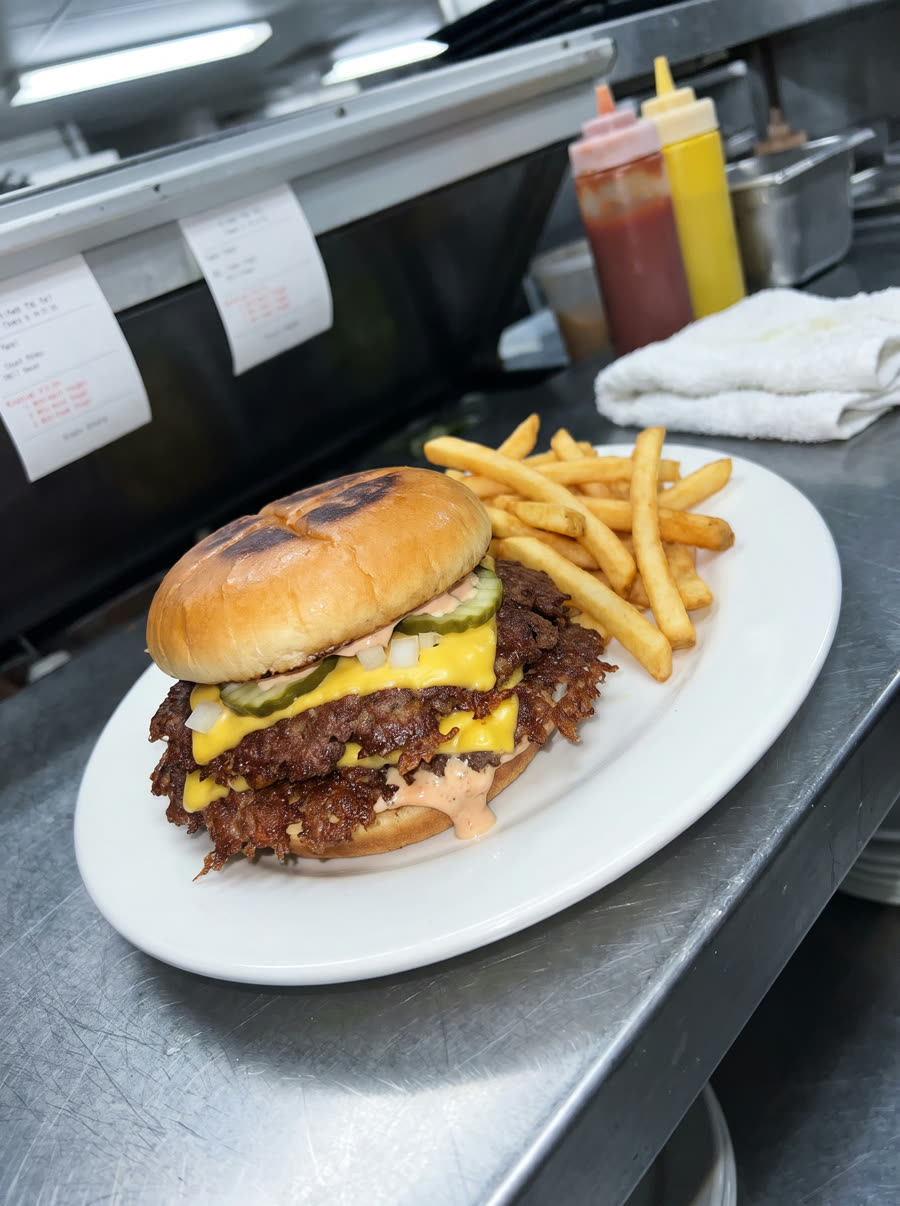 Your phone photo
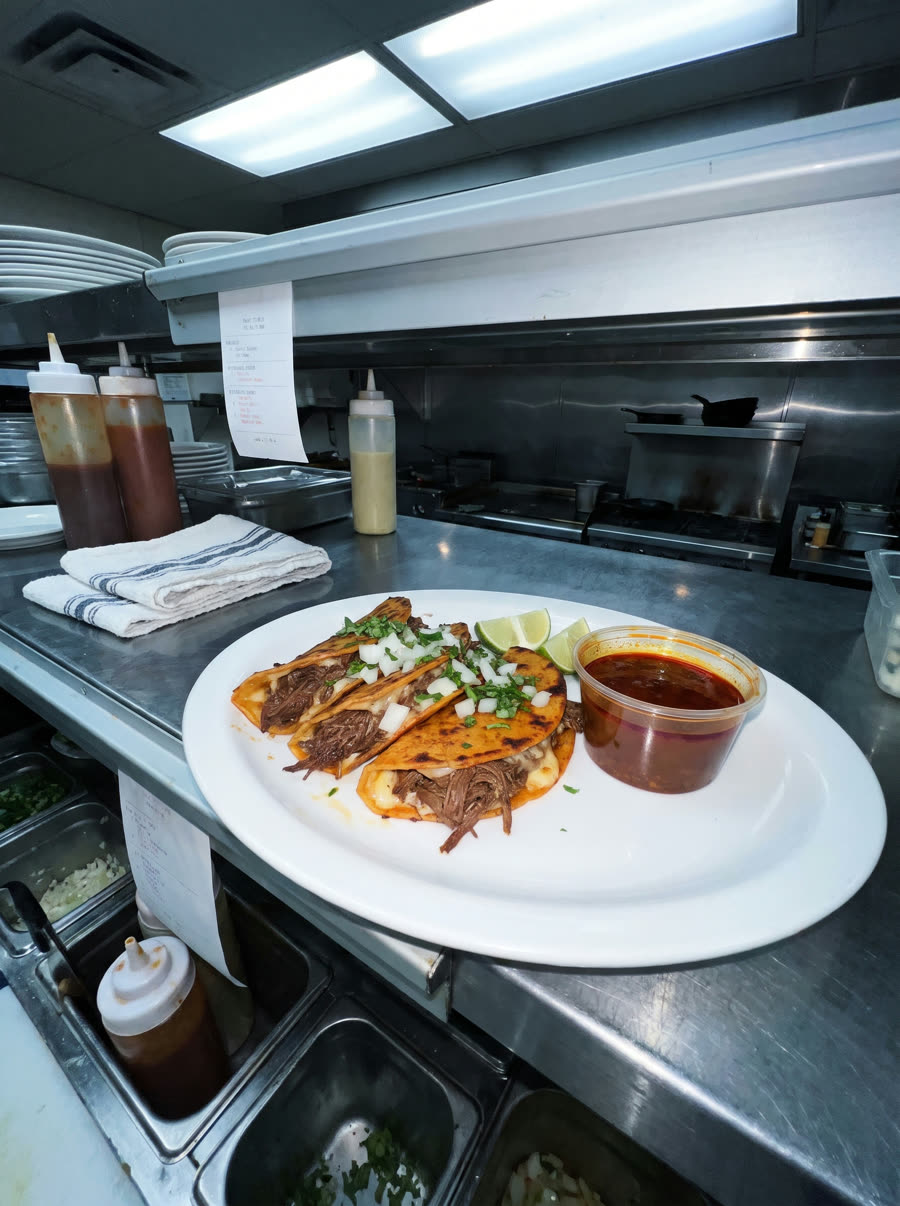 Your phone photo
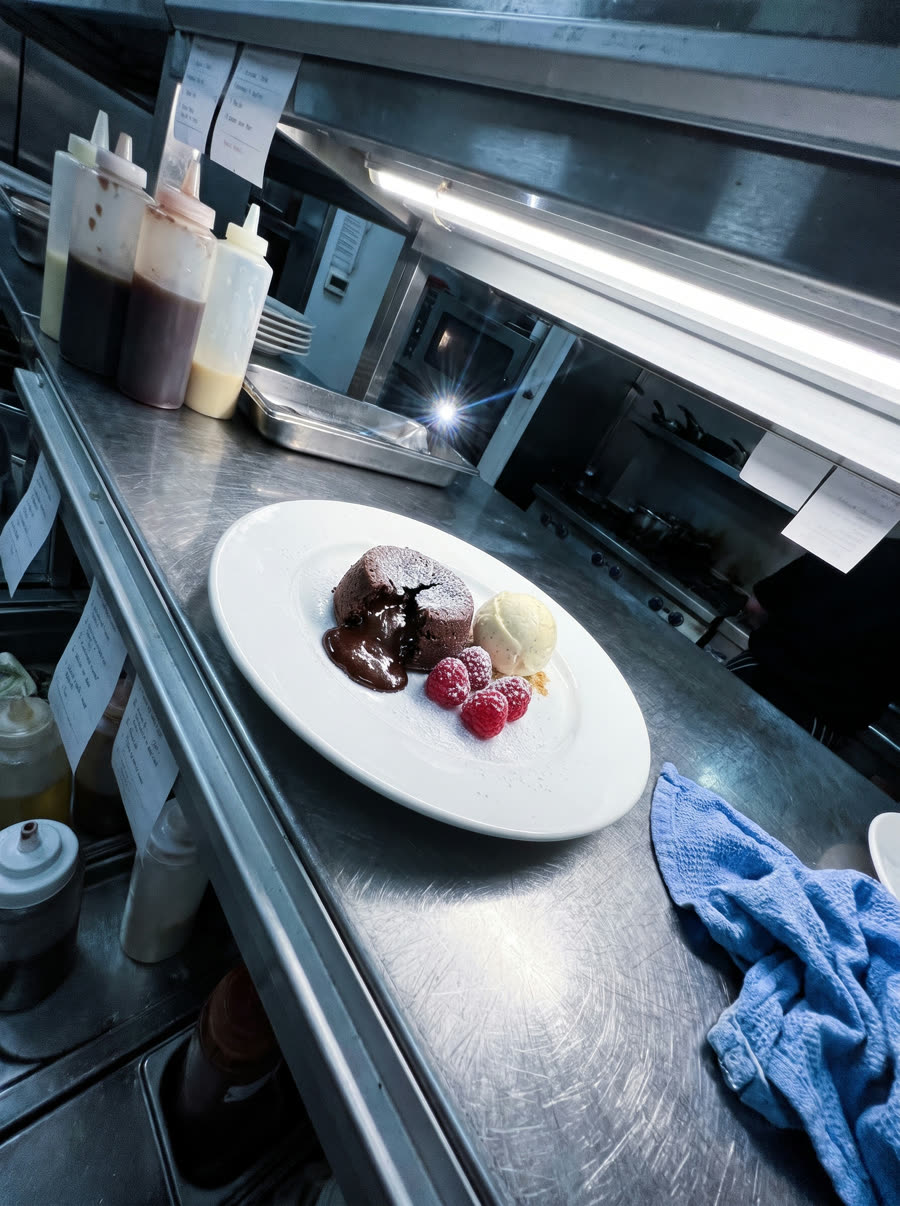 Your phone photo
We animate your real dish. We never add food that isn't on the plate. You approve every video.
Pick a look for each dish
We suggest the best look for each dish. Change it with one tap.
-
Served
A hand sets the plate down as the camera glides in.
-
Close-up orbit
A slow, close circle around the dish. No hands.
-
Top-down
Overhead view that slowly turns. Great for pizza and bowls.
-
Cheese pull / lift
A hand lifts a slice or bite. Pizza, burgers, tacos.
-
Sauce pour
A sauce or syrup is poured on. Only if it is served with that sauce.
-
Drink
Glass set down on the bar, light glints through it.
Orders land on your kitchen screen
When a guest taps "Send to kitchen", the order appears on your order screen within seconds, with a sound, the table number and any notes. Staff tap "Preparing", then "Served".
- Runs on any tablet, phone or computer you already own
- No commission, no card fees: guests pay your staff as usual
- Hide a dish the moment it sells out
- Prefer menu-only? Switch ordering off and guests keep a list to show their server
New order
- 2Double Smash Burger
- 1Birria Tacos with Consommé
- 2Espresso Martini
Note: no onions on one burger
Put your best dishes in motion tonight
Start free with 2 dish videos. No card, no call, no app for your guests.